
You are watching a Reel and the background track is exactly what you have been looking for. You replay it once, twice, then keep scrolling, and by tomorrow, it has slipped your mind entirely. Sound familiar?
Converting Instagram to MP3 solves that problem permanently. Instead of hoping the algorithm surfaces that audio again, you save it directly to your device as a high-quality MP3 file, ready to play offline on any phone, tablet, or computer, anytime you want.
This guide covers everything: what an Instagram to MP3 converter actually does, why Instagram does not let you save audio natively, a clear step-by-step download process, which content types are supported, what audio quality to expect, and how to stay on the right side of copyright law.
What Is an Instagram to MP3 Converter?
An Instagram to MP3 converter is a browser-based tool that extracts the audio track from any public Instagram video, a Reel, a feed post, an IGTV episode, or a Story and delivers it to your device as a downloadable MP3 file.
You may also see these tools described as Instagram audio extractors, Instagram MP3 converters, or Instagram Reel to MP3 downloaders. The naming varies across websites, but the function is always the same: you provide a public Instagram video link, the tool processes it on a remote server, and you receive a clean audio file.
No app installation is required. No account creation is needed. The entire process runs inside your browser and typically takes under 15 seconds for a standard Reel.
Why Doesn’t Instagram Let You Save Audio Directly?
Before exploring how the Instagram to MP3 process works, it helps to understand why the feature does not exist inside the app itself.
Licensing Restrictions
Most music you hear on Instagram is licensed from major record labels, including Universal Music Group, Sony Music Entertainment, and Warner Music Group. These licensing agreements typically permit in-app streaming only. They do not extend to offline distribution or file downloads. Allowing users to freely save licensed tracks would put Instagram in breach of those contracts, so no official download option exists for audio.
Platform Engagement Strategy
Instagram’s advertising revenue depends on time spent inside the app. Every time a user returns to replay a sound, that generates another session, additional screen time, and more ad impressions. If users could download and keep audio permanently, repeat visits for that content would drop. The platform has a direct financial incentive to keep you streaming rather than saving.
How Third-Party Tools Fill the Gap
Third-party Instagram to MP3 tools do not bypass Instagram’s security systems or access any private data. They work with publicly available video content, the same URLs your browser loads when you watch a Reel normally. The tool fetches the public video from Instagram’s content delivery network, isolates the audio stream, encodes it as an MP3 file, and delivers it to your browser. No hacking, no unauthorized access, just automated processing of content that is already publicly visible.
Understanding the Three Types of Instagram Audio
Not all Instagram audio carries the same rights, and knowing the difference matters before you download anything.
- Original sound: is audio recorded or created directly by a content creator, a voiceover, an original composition, ambient sound, or a spoken monologue. Copyright belongs to the creator from the moment of recording, with no registration required.
- Licensed music: refers to commercial tracks added through Instagram’s built-in music library. These tracks belong to the record label or music distributor, not to the creator who used them in a Reel. Using licensed music from a downloaded file in your own published content requires separate licensing, regardless of how widely the track has been used on the platform.
- Remixed or trending audio: is a clip from another creator’s original sound that has spread virally across Instagram. Copyright still belongs to the original creator, even if thousands of accounts have reused it.
A good Instagram to MP3 tool downloads all three types without distinction. Understanding which category applies to the audio you are saving and what you are permitted to do with it is your responsibility as the downloader.
How to Convert Instagram to MP3: Step-by-Step
The process for converting Instagram to MP3 is designed to be beginner-friendly and works identically across all Instagram content types.
Copy the Instagram Video Link
The method for copying the link varies slightly depending on the content type.
- For Reels: Open the Reel in the Instagram app, tap the three-dot menu (⋮) at the bottom right, and select Copy Link.
- For feed posts and videos: Tap the three-dot menu at the top right of the post and choose Copy Link.
- For IGTV videos: Open the video, tap the three-dot icon, and tap Copy Link.
- For Stories: Tap the three-dot menu on the Story and select Copy Link. This option only appears for public accounts.
- On desktop: Right-click any post and choose Copy link address directly from your browser’s context menu.
Paste the Link into an Instagram to MP3 Tool
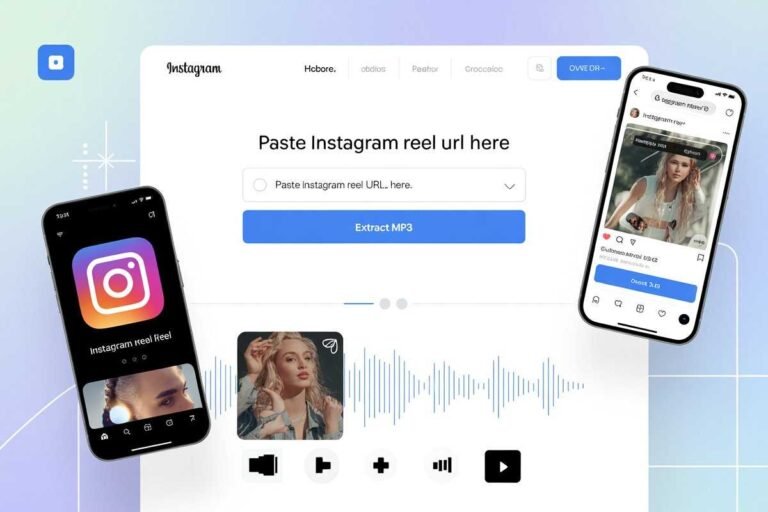
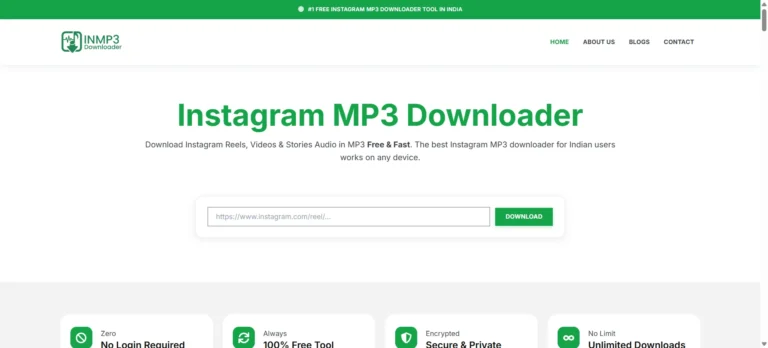
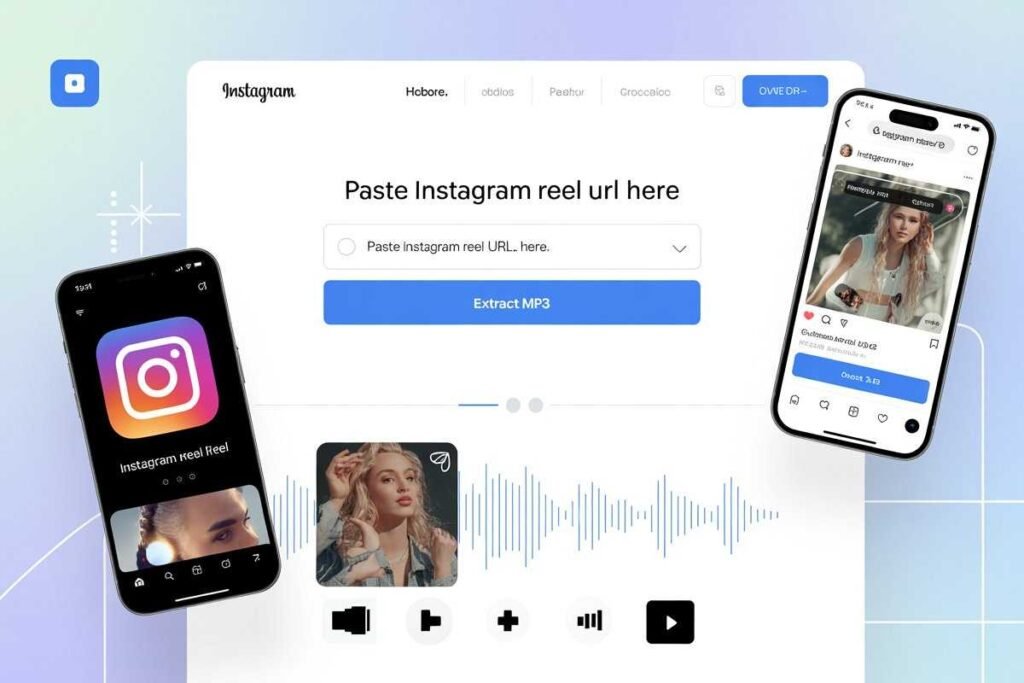
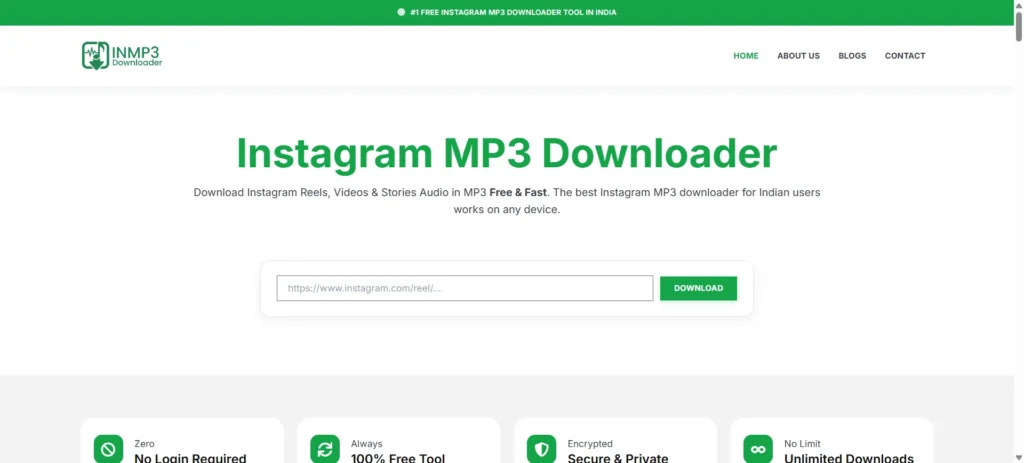
Open a new browser tab and navigate to a reputable, browser-based Instagram to MP3 converter. You will see a text input field on the homepage. Paste your copied Instagram link into that field and click the Download or Convert button.
The tool automatically identifies the content type Reel, feed video, IGTV, or Story, and begins processing immediately. No account creation, no email address, and no Instagram login is ever required.
Download Your MP3 File
Once the conversion is complete, a download button appears. Click it and your browser saves the MP3 directly to your device. On iPhone and iPad, the file lands in your Files app or Downloads folder. On Android, it goes to your Downloads folder. On Windows and Mac, it saves to your browser’s default download location.
Your Instagram to MP3 file is immediately ready for offline playback on any media player, music app, or editing software.
What Instagram Content Can You Extract Audio From?
The best Instagram to MP3 tools support the full range of Instagram content formats, not just Reels.
Instagram Reels Audio
Reels are the most common use case for audio extraction. Whether it is a trending sound appearing across thousands of videos, a creator’s original narration, or a snippet of new music, downloading Instagram Reels audio as MP3 takes only seconds and works entirely from your browser. This is particularly valuable for content creators who want to study popular sounds before building their own Reels and for DJs and producers monitoring Instagram for emerging tracks before they reach mainstream distribution.
Feed Videos and IGTV Episodes
Standard feed videos and IGTV episodes are processed the same way as Reels. IGTV content can run from a few minutes to an hour, and a good Instagram to MP3 converter handles longer files efficiently, though processing time scales proportionally with video length. Common reasons to extract audio from IGTV include saving instructional content for offline study, capturing interview audio from long-form creator videos, and archiving live music performances uploaded in full.
Instagram Stories
Stories are the most time-sensitive content type because they expire after 24 hours. A reliable tool can extract audio from public Stories while they are still live. Learn exactly how in our complete Instagram audio download guide, which covers Reels, Stories, and feed videos in one place. Once a Story expires, the content is no longer accessible on Instagram’s servers and cannot be retrieved by any tool. Stories from private accounts cannot be accessed by any third-party extractor. Private content is authentication-gated, meaning it is only visible to approved followers. Always respect the privacy choices creators make for their content.
Audio Quality: What to Expect from Instagram to MP3 Downloads
Audio quality is one of the most important factors when choosing an Instagram to MP3 converter, and it is worth understanding what the numbers actually mean.
MP3 files are measured in bitrate, expressed in kilobits per second (kbps). Higher bitrate means more audio data per second, which translates to better sound quality and larger file sizes.
- 128kbps is the minimum acceptable quality for casual listening, acceptable on phone speakers but noticeably compressed on headphones or external speakers.
- 192kbps is a solid mid-range quality that sounds clean on most consumer headphones and earbuds.
- 320kbps is the highest standard MP3 bitrate. At this level, the audio is virtually indistinguishable from the source file, even on high-quality studio monitors or audiophile headphones. This is the benchmark that quality-focused Instagram to MP3 tools deliver by default.
The upper limit on your download quality is set by the quality of the original Instagram upload, not by the conversion tool. Instagram retains original uploads at high quality on its servers, so most conversions produce genuinely good audio output.
Output Format Options Beyond MP3
While MP3 is the default and most universally compatible format, some users need audio pulled directly from a video file, in which case an Instagram video downloader MP3 tool gives you control over both video and audio output formats, depending on your workflow.
- MP3 at 320kbps is the right choice for the vast majority of users. It plays on every device, every media player, and every editing software without compatibility issues.
- AAC (Advanced Audio Coding) is Apple’s native audio format, used natively by iOS, iTunes, and Final Cut Pro. It offers slightly more efficient compression than MP3 at equivalent perceived quality, making it a good choice for iPhone users or anyone editing in Apple software.
- M4A is an AAC audio file wrapped in an MPEG-4 container. It is used by Apple Music and is common in professional audio workflows. It is best suited to users working entirely within the Apple ecosystem who want smaller file sizes without sacrificing quality.
What Happens Behind the Scenes During Instagram to MP3 Conversion
For users who want to understand the technical process, here is a straightforward explanation of what happens when you submit a link to an Instagram to MP3 tool.
- URL validation: The tool checks that your link is a valid, accessible Instagram URL and identifies the content type.
- Video retrieval: The conversion server sends a request to Instagram’s content delivery network (CDN) to fetch the video file at its highest available quality.
- Demuxing: The MP4 video container is split into its separate components. The audio stream is isolated from the video stream. The video data is discarded.
- MP3 encoding: The raw audio data is encoded using the MPEG-1 Audio Layer III (MP3) codec at the target bitrate. This compresses the file to a manageable size while preserving as much audio detail as possible.
- File delivery: The encoded MP3 is temporarily staged on the server, and a download link is generated for your browser session.
Your device does two things throughout this entire process: it sends the Instagram URL and receives the finished MP3 file. All processing happens remotely on the conversion server. Nothing is installed locally, and nothing persists on the server after your session ends.
Who Uses Instagram to MP3 Tools?
The range of people who regularly use Instagram for MP3 conversion is broader than most would expect.
- Everyday listeners: who discover great music on Reels and want to save it for commutes, gym sessions or offline playlists without burning mobile data on repeated streams.
- Content creators and video editors who use extracted audio as reference material when building their own Reels, studying hook timing, or syncing transitions to music beats during editing.
- DJs and music producers: who monitor Instagram to discover emerging tracks before they appear on Spotify or SoundCloud. Having the file locally means they can load it into a DAW for BPM analysis, key detection, or sample identification without depending on the original post remaining live.
- Podcasters and journalists: who save spoken-word clips from IGTV interviews for offline reference during recording sessions, transcription work, or show note preparation.
- Marketers and social media managers: who study trending audio as part of competitive research and trend analysis, building reference libraries of sounds driving engagement across different niches.
Choosing a Trustworthy Instagram to MP3 Tool
The quality and trustworthiness of Instagram to MP3 tools vary significantly. Here is what separates a reliable converter from a problematic one.
- No login required: A legitimate tool only needs the Instagram URL. Any tool that asks for your Instagram username or password before allowing a download is a phishing risk. Close the tab immediately.
- HTTPS connection: Check for the padlock icon and HTTPS in your browser’s address bar before submitting any link. This confirms that your data is transmitted over an encrypted connection.
- Clear privacy policy: A trustworthy tool explicitly states that it does not log submitted URLs, store downloaded files, or collect personal data. Your session should be completely anonymous.
- No excessive ad redirects: Reputable tools serve ads as part of a free business model, which is standard and expected. What is not acceptable is being bounced through three or four redirect pages before reaching the actual download. This pattern is a sign of poor-quality or potentially harmful sites.
- No account creation required: Free tools that require you to register an account before downloading are unnecessarily collecting your data. The conversion process requires nothing more than a link.
Legal and Copyright Considerations
The legal picture around Instagram to MP3 downloading is nuanced, and it is important to understand the distinction between personal use and commercial use.
Personal Use
Downloading Instagram audio for personal, private listening is generally considered low-risk in most countries. When you save a track to listen to offline, you are not distributing it, monetizing it, or competing with the rights holder in any commercial sense. Individual users are rarely, if ever, pursued legally for private offline listening.
Commercial Use
Using downloaded Instagram audio in monetized YouTube videos, paid advertising campaigns, or branded podcasts is a different matter entirely. Before you publish anything, it helps to understand how Instagram tracks and surfaces shared content, including how Instagram post shares are counted and who can see them. This can constitute copyright infringement, regardless of how publicly available the original post was. “I found it on Instagram” is not a legal defence against a copyright claim. If you plan to use any downloaded audio in published or commercial content, verify that the track is either in the public domain, licensed under Creative Commons terms that permit your intended use, or obtain explicit written permission from the rights holder before proceeding.
Instagram’s Terms of Service
Instagram’s Terms of Service technically prohibit automated scraping and unauthorized downloading of platform content. Manual use of a browser-based tool to copy a link, paste it, and click download occupies a grey area that has not been definitively tested in court for individual users. This article does not constitute legal advice. If you have specific questions about commercial use, consult a qualified intellectual property attorney in your jurisdiction.
Conclusion
The gap between discovering great audio on Instagram and actually keeping it has always been frustrating. An Instagram to MP3 converter closes that gap completely, giving you a clean, high-quality audio file in under a minute, on any device, entirely free.
Whether you are saving a Reel track for your commute playlist, capturing a Story song before its 24-hour window closes, archiving an IGTV interview for offline listening, or building a reference library of trending sounds for your content strategy, converting Instagram to MP3 is one of the most practical tools available to modern social media users in 2026.
Choose a tool that uses HTTPS, requires no login, and has a clear privacy policy. Use downloaded audio responsibly by respecting copyright boundaries, especially for any commercial or published project. And remember: the best Instagram to MP3 experience is a fast one. Paste your link, click download, and get back to what you were doing.
FAQs
What is Instagram to MP3 conversion?
It is the process of extracting the audio track from a public Instagram video and saving it as a downloadable MP3 file using a browser-based converter tool.
Can I download audio from private Instagram accounts?
No. Private accounts are authentication-gated, meaning the content is only visible to approved followers. No third-party tool can access private content without your login credentials.
Do I need to install an app or browser extension?
No. Reliable Instagram to MP3 tools run entirely in your browser. No software installation, no extension, and no app download is ever needed.
Is it safe to use an Instagram audio downloader?
Yes, if you choose a tool that uses HTTPS, has a clear privacy policy, and never asks for your Instagram login. Avoid tools that redirect you through multiple pages before the download.
What audio quality will I get?
Most quality tools deliver MP3 files at up to 320kbps, which is near CD-quality audio. The maximum quality is limited by the quality of the original Instagram upload.
Can I download multiple files at once?
Most standard tools process one link at a time. If you need batch downloads, look for tools that specifically advertise batch processing functionality.
Can I use downloaded audio in my own videos or content?
For personal use, yes. For monetized or commercial content, you must have the appropriate rights or permission from the original creator and any relevant rights holders.
What should I do if my download fails?
Confirm that the account is public, the post still exists, and the full URL https:// was copied correctly. Private accounts and deleted posts cannot be processed by any tool.