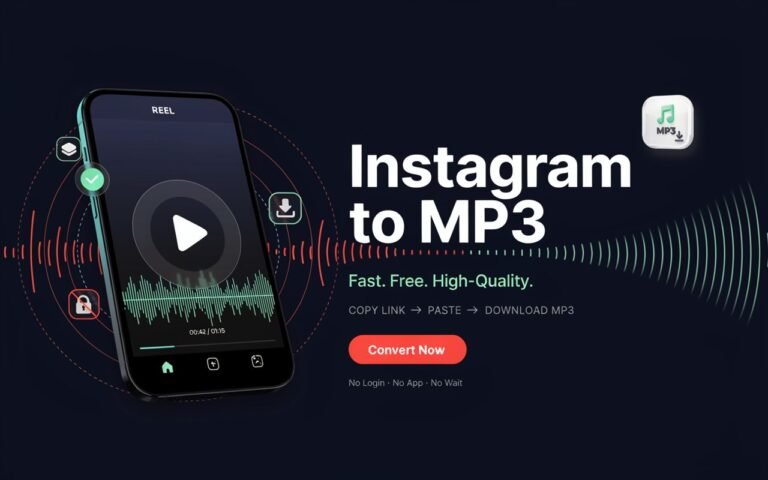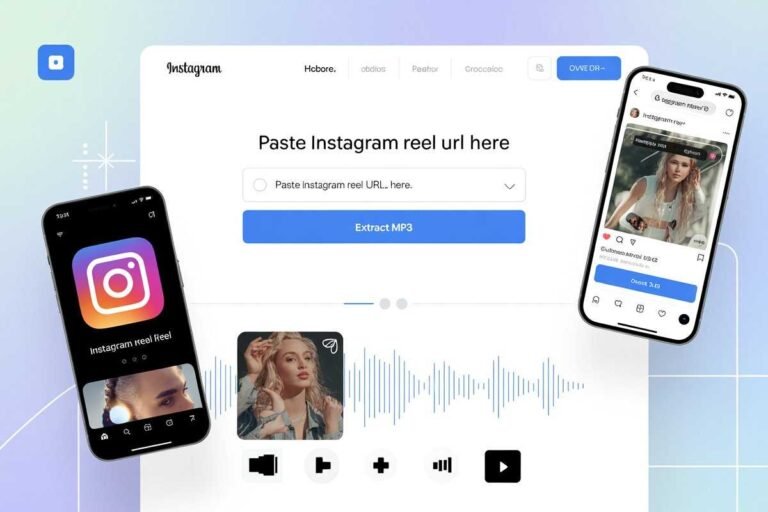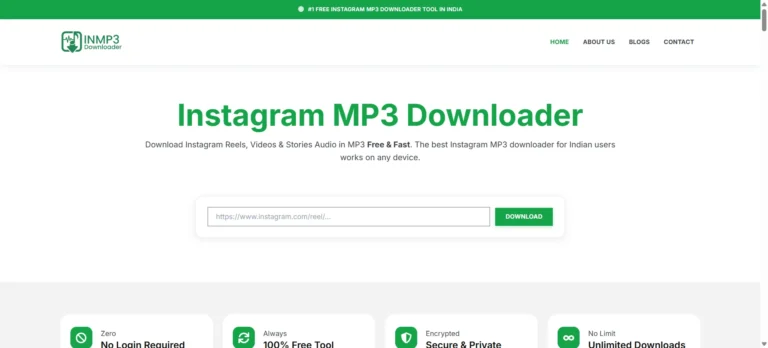

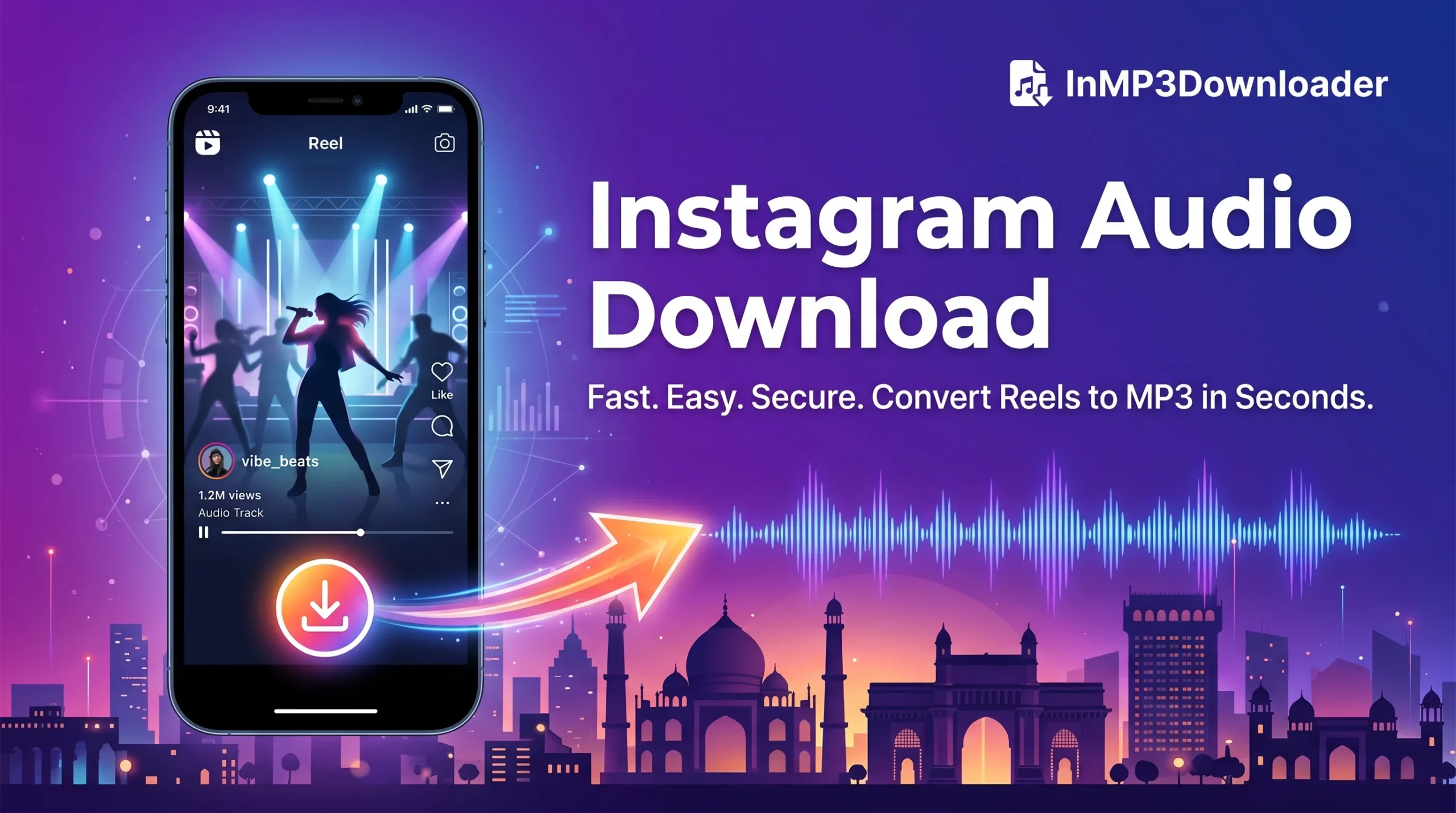
You heard a song, a dialogue, or a voice note on Instagram, and now you just want the audio, not the whole video, not another app taking up space on your phone, and definitely not a login wall. That’s exactly what this tool is built for. Paste any Instagram reel, video, or story link into the box above, and within seconds, you’ll have a clean instagram video download mp3 file at up to 320kbps, the same quality you’d expect from a paid music app, without paying anything.
This tool is built and tested specifically for users in India. That means it’s optimized to run smoothly on 2G, 3G, and 4G connections, on budget Android phones as well as the latest iPhones, and it never asks for personal details, email addresses, or app installs. If you’ve ever tried a downloader that redirected you through five ad pages before giving you a broken file, this isn’t that. Paste, convert, download. That’s the whole process.
How to Do an Instagram Video Download MP3 in 3 Steps
Getting your instagram video download mp3 file takes less than 30 seconds once you know where to tap. Here’s exactly how it works, step by step:
- Copy the Link — Open the Instagram app or website and find the reel, video post, or story you want. Tap the three-dot menu (or the share/paper-plane icon on stories) and select “Copy Link.” Instagram will copy the full URL to your clipboard automatically.
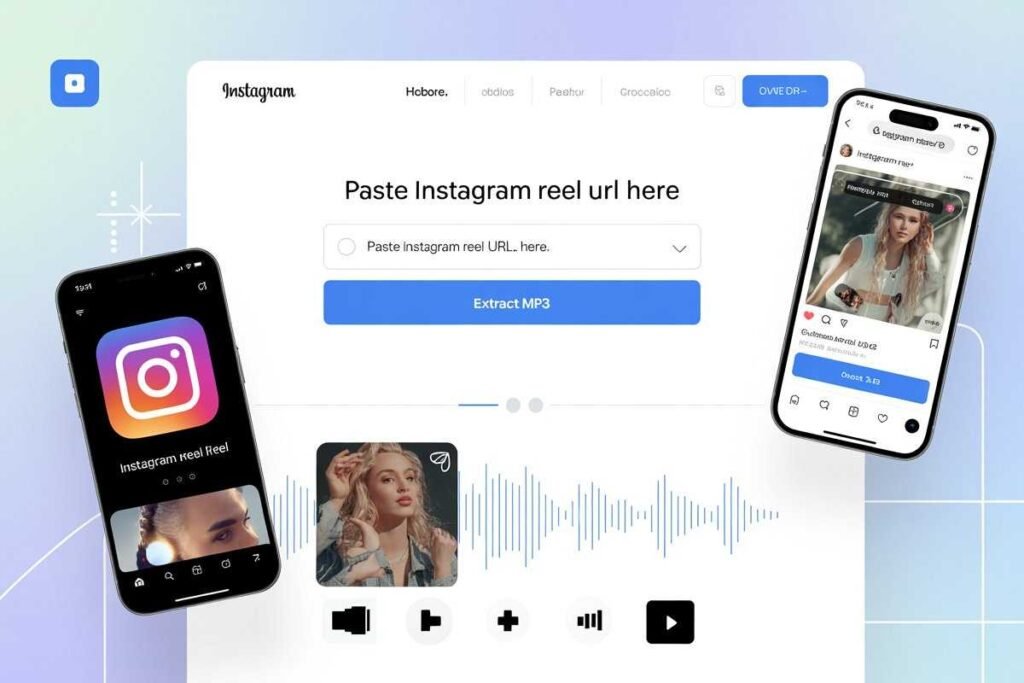
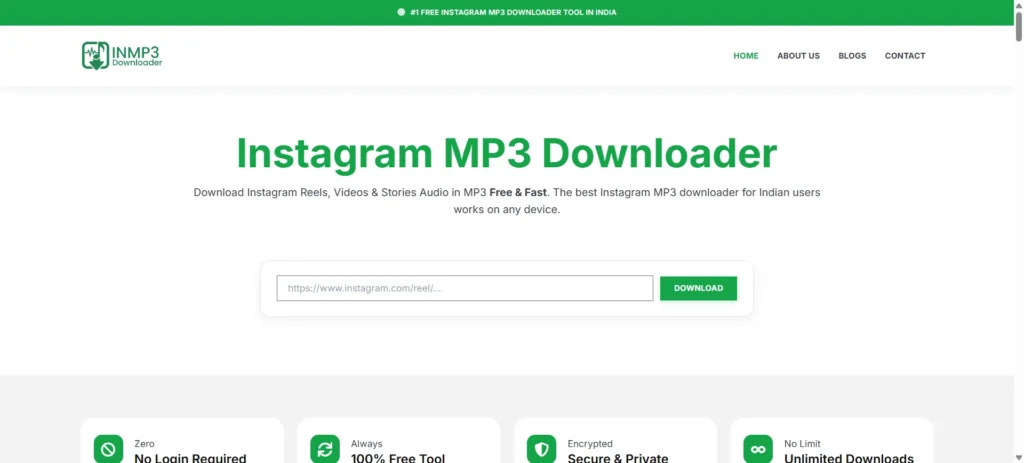
- Paste & Convert — Come back to this page, paste the link into the input box above, and click “Download MP3 Free.” Our server fetches the original video and extracts the audio track in the background — you don’t need to wait long, even on slower connections.
- Save Your Audio — Once the conversion finishes, tap the download button to save your instagram video download mp3 file directly to your phone or computer. From there, you can play it offline, set it as a ringtone, or add it to a playlist.
If you run into an error at any step, usually caused by copying a private post’s link or copying the wrong part of the URL, the video tutorial further down this page walks through the exact tap sequence to avoid that.
What Is an Instagram Video to MP3 Downloader?
An instagram video download mp3 tool lets you extract just the audio track from any Instagram reel, video post, or story and save it as a standalone MP3 file. Instead of keeping an entire video clip on your phone just because you liked the ten seconds of music in it, you get a lightweight audio file, usually a fraction of the video’s file size — that you can use however you like: as a ringtone, saved to a personal playlist, or just replayed without burning through your data on Instagram again.
This matters more than it sounds like it should, especially in India, where mobile storage and data plans are often limited. A single reel video might be 8–15MB, but the MP3 extracted from it is often under 1MB. If you save even a handful of songs a week, that difference adds up fast — both in storage and in how much data you use replaying content.
The tool works across every format Instagram supports:
- Reels — trending songs, viral dialogues, meme sounds, remix audio
- Video posts — full-length audio tracks from feed videos and IGTV-style content
- Stories — music, voice notes, or background audio shared temporarily by friends or creators
- Voice notes and narrations — spoken content people share as videos rather than plain audio
Whether you’re doing an instagram mp3 download india search because you want a specific Bollywood track from a reel, or you’re trying to save a voice message before a story disappears, the underlying process is the same: paste the link, and the audio comes out clean.
Watch: How to Use Our Instagram MP3 Downloader
This 60-second video walks through the exact tap sequence for copying a reel link correctly, pasting it into the tool, and downloading your Instagram video download mp3 file at full 320kbps quality. It also shows the most common mistake people make, copying a share link from a DM conversation instead of the direct post link, which causes the conversion to fail. If you’ve tried this tool once and hit an error, this video will most likely show you why.
Download Instagram Reels Audio in MP3 Format
Reels are where most of Instagram’s trending audio lives Bollywood hooks, viral meme sounds, remix edits, and dialogue clips that spread across the platform in days. Our tool lets you download instagram reels audio without needing to keep the video at all. Paste the reel link above, and the audio comes out as a standalone MP3 ready for your phone or playlist.
This is particularly useful for two kinds of users: people who want to save a song before they forget which reel it came from, and content creators who want a quick way to grab background audio for reference or inspiration. Either way, the output quality stays the same up to 320kbps, regardless of how big or small the original reel file was.
For a full walkthrough with screenshots covering both Android and iPhone, read our detailed guide: How to Use Instagram MP3 Downloader.
Save Instagram Story Audio Before It Disappears
Stories vanish after 24 hours, and there’s no built-in way inside Instagram to save just the audio from one. If a friend shares a song they’re loving, or a creator posts a voice message you want to keep, you have a narrow window to act. Paste the story link into the tool above the same way you would a reel, and you’ll get an instagram audio download saved permanently as an MP3, no more racing against the 24-hour countdown.
Keep in mind that only stories from public accounts can be converted this way. Private account stories require you to be a follower already viewing the story, and the same copy-link process applies from there.
Instagram Video Download MP3 Works on Every Device
| Device | Support |
|---|---|
| Android & iPhone | Full browser support — Chrome, Safari, Samsung Internet, no app needed |
| Tablets & iPad | Touch-optimized layout, works the same as mobile |
| Desktop & Laptop | Windows, Mac, or Linux — any modern browser handles it |
Roughly three out of four visitors use this tool on a phone, which is why the mobile experience is built first, not adapted afterward. Whether you’re on a five-year-old Android device or a brand-new iPhone, an instagram video download mp3 works the exact same way: paste the link, tap download, save the file.
Why Choose Our Instagram Video Download MP3 Tool?
There are dozens of Instagram downloader tools online, and most of them share the same problems — forced app installs, pop-up ads that redirect you away from the download button, or audio quality that sounds noticeably compressed. Here’s what sets this one apart:
- No login or signup required — nothing to create, nothing to remember
- 320kbps high-quality MP3 output — the highest bitrate Instagram’s source audio supports
- Works on 2G/3G/4G — built and tested specifically for Indian network conditions
- Unlimited downloads, always free — no daily caps, no premium tier hiding better quality behind a paywall
- No ads blocking your download button — the button you click is the actual download, not an ad in disguise
- Clean, mobile-friendly interface — everything fits on a phone screen without pinch-zooming
For more conversion options and a side-by-side look at other tools in this space, see our comparison guide: Instagram to MP3 Converters.
Frequently Asked Questions
How do I do an instagram video download mp3? Copy the reel or video link from Instagram using the three-dot menu, paste it into the tool above, and click “Download MP3.” Your audio file is ready in seconds — no app or login needed.
Is this instagram video download mp3 tool free in India? Yes, completely free with no hidden charges, no subscriptions, and no limit on how many files you download. It’s built specifically with Indian users and network conditions in mind.
Can I download Bollywood songs from Instagram reels as MP3? Yes. You can extract audio from any public reel, including trending Bollywood tracks, remix edits, and viral dialogues. Downloaded audio is meant for personal listening only and shouldn’t be redistributed or used commercially.
Does this work for indownloader app-style links too? Yes — the tool accepts standard Instagram reel, video, and story URLs regardless of which app, browser, or device you copied them from.
What audio quality do I get? Up to 320kbps MP3, which is the highest bitrate available from Instagram’s original video file. That’s ideal for ringtones, playlists, or any use where audio clarity matters.
Can I convert an Instagram reel to mp3 on mobile? Yes. The tool is fully mobile-optimized and works identically on Android and iPhone browsers as it does on a desktop computer — no separate mobile app required.
Do I need to install an app to save Instagram audio? No. Everything runs directly in your browser. Nothing is installed, and nothing is stored on our end beyond the time it takes to process your file.
Can I save Instagram story audio as a ringtone? Yes. Once converted to MP3, the file can be set as a ringtone or notification sound on both Android and iPhone through your phone’s standard sound settings.
Why did my instagram video download mp3 fail or show an error? The most common cause is copying a link from a private account you don’t follow, or copying a share link from a direct message instead of the post itself. The video tutorial above shows the correct way to copy a link from the source post.
Can I use this tool for Instagram voice notes and narrations? Yes. Any video containing spoken audio — including narrated content and voice-note-style posts — converts the same way as music or reel audio.
Is my data safe when I use this tool? Yes. We don’t ask for login credentials, and links you submit are only used to process the conversion — nothing is stored or shared afterward.
How long does the conversion usually take? Most files convert in under 10 seconds, even on slower 3G connections. Longer videos may take slightly more time depending on your network speed.
More Free Guides on Instagram Audio & Video
- 10 Best Instagram to MP3 Converters in 2026
- Instagram Video Downloader MP3: Extract Audio From Reels
- Download Instagram Reels Audio MP3 Free
- How to Use Instagram MP3 Downloader
- Instagram Song Download Link MP3
Trust & Source Links
For official guidance on Instagram’s own content and download policies, see Instagram’s Help Center. We are not affiliated with Instagram™; all original content belongs to its respective owners.
Follow our official Instagram page for tool updates and tips: @inmp3downloader